Complete important records
Find contacts missing names, phone numbers, email addresses, postal addresses, birthdays, or other useful details.
Organize important family, school, medical, service, and emergency contacts; repair missing details; remember important dates; and keep a recovery copy when you choose.
For household organizers, parents, caregivers, and anyone responsible for keeping essential contact information current.

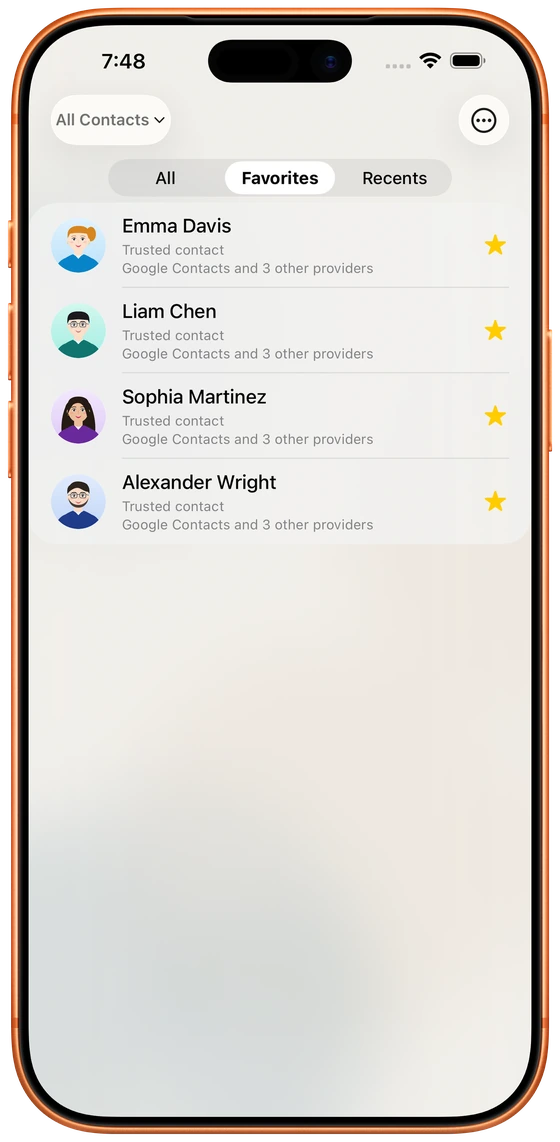
A doctor may be stored under a clinic name, a school contact may live in an old Google account, and a relative may appear several times with different phone numbers. Cloud Contacts helps you review and organize these records without requiring protocol knowledge.
Find contacts missing names, phone numbers, email addresses, postal addresses, birthdays, or other useful details.
Use favorites, relationships, birthdays, anniversaries, and reminders to keep important people visible.
Review, back up, and transfer essential contacts before replacing or resetting a family device.
Filter favorites, family roles, recent contacts, or records missing essential details.
Compare records before deciding which phone number, address, or account should remain authoritative.
Create an optional recovery snapshot and revisit contact health as household details change.
Household users should not need to understand synchronization protocols to avoid losing important information.
See what will change instead of trusting a silent automatic cleanup.
Normal provider sync stays direct; optional cloud backup is a separate user-controlled feature.
Use phone, tablet, or desktop layouts according to the amount of information you need to review.
The app can help review birthdays and important dates and can integrate selected dates with system calendar workflows.
Local contact workflows are available. Whether a record remains local depends on the destination you select and the synchronization settings on the device.
No. It organizes contact records and relationship context; it does not track a person's location or activity.
Connect a source, review what needs attention, and approve changes with a clear view of ownership.