

Cloud ContactsNew in 26.4Calendar choices, reminders, and safer large-library work

Clean and sync every address book—with confidence.

Private contact control across every account

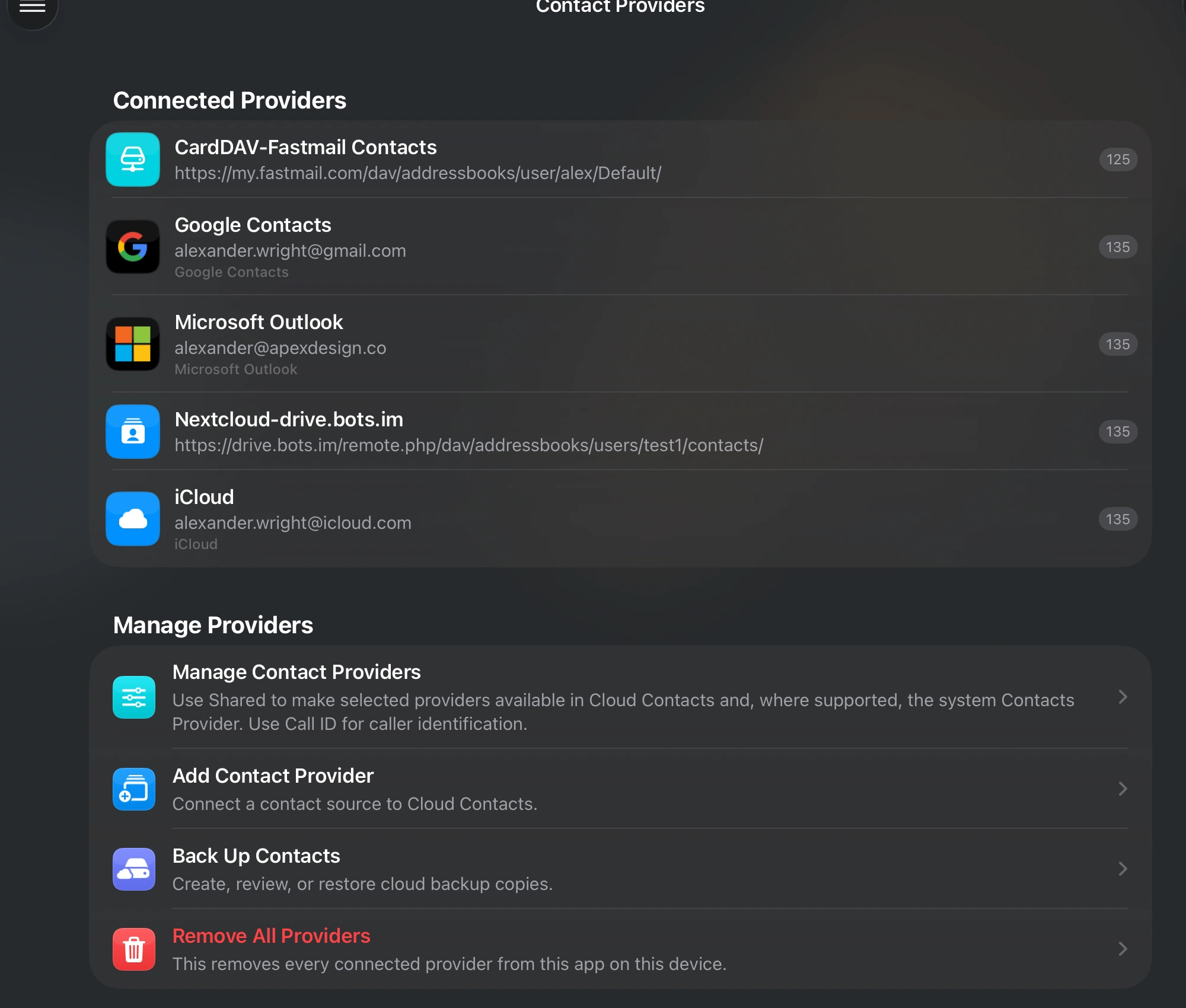
Bring together Apple Contacts, iCloud, Google Contacts, Outlook, Exchange, CardDAV, and JMAP-compatible servers. Find duplicates, repair incomplete records, and review every change before it reaches your providers.

iPhone & iPadDownload on the App Store
MacDownload on the App Store
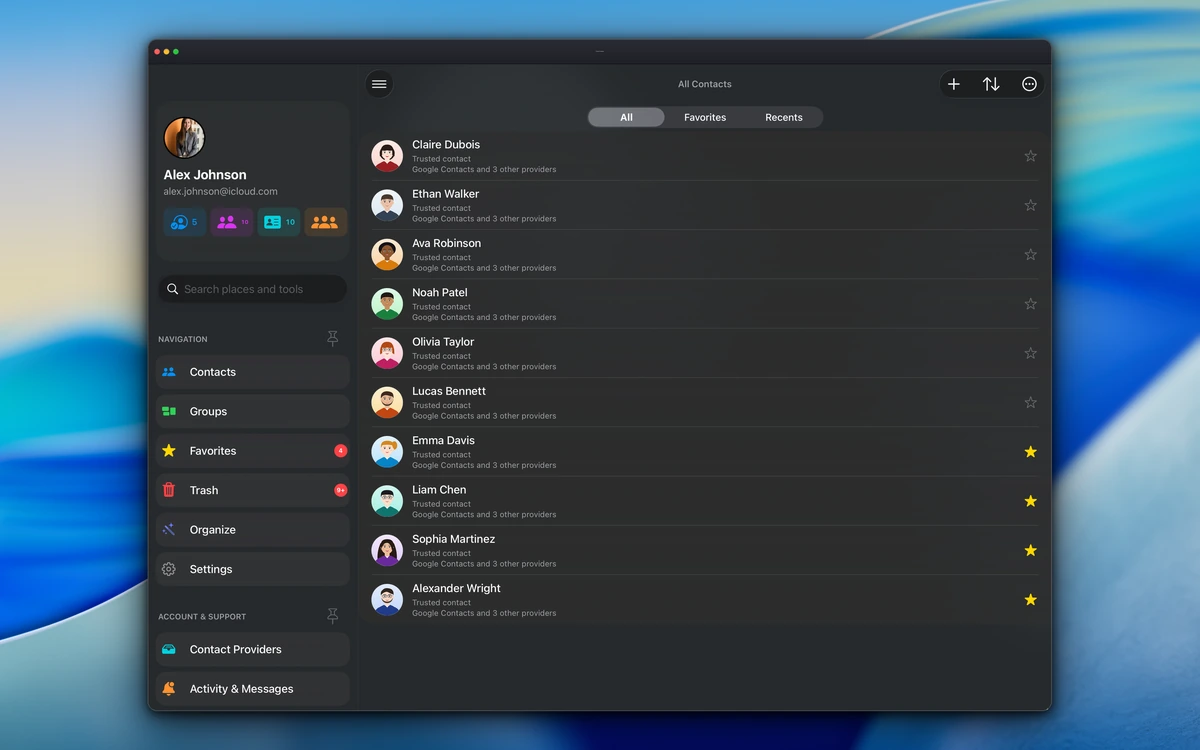
Unified contact library in the Mac app
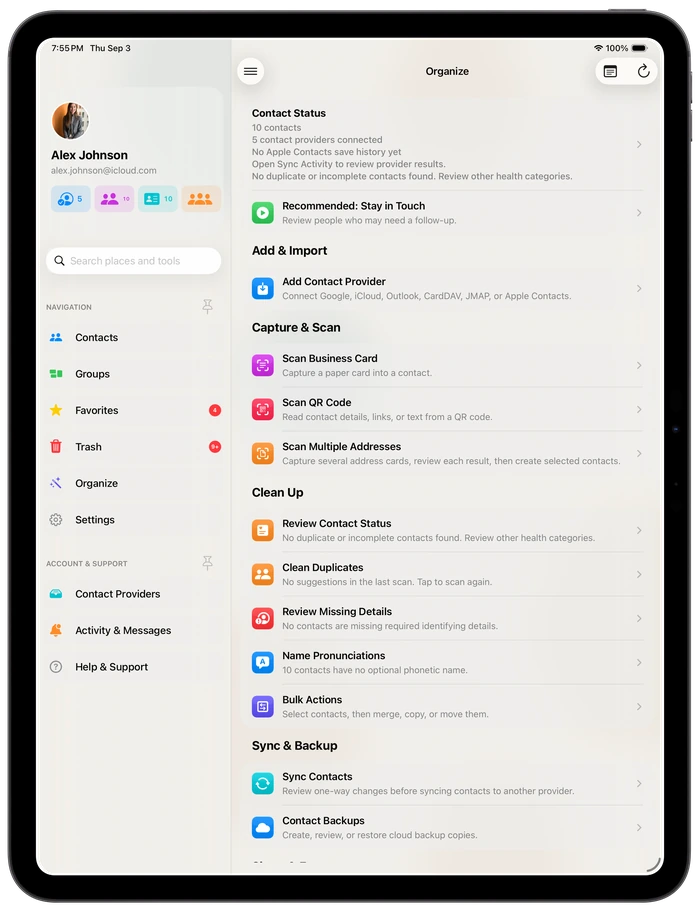
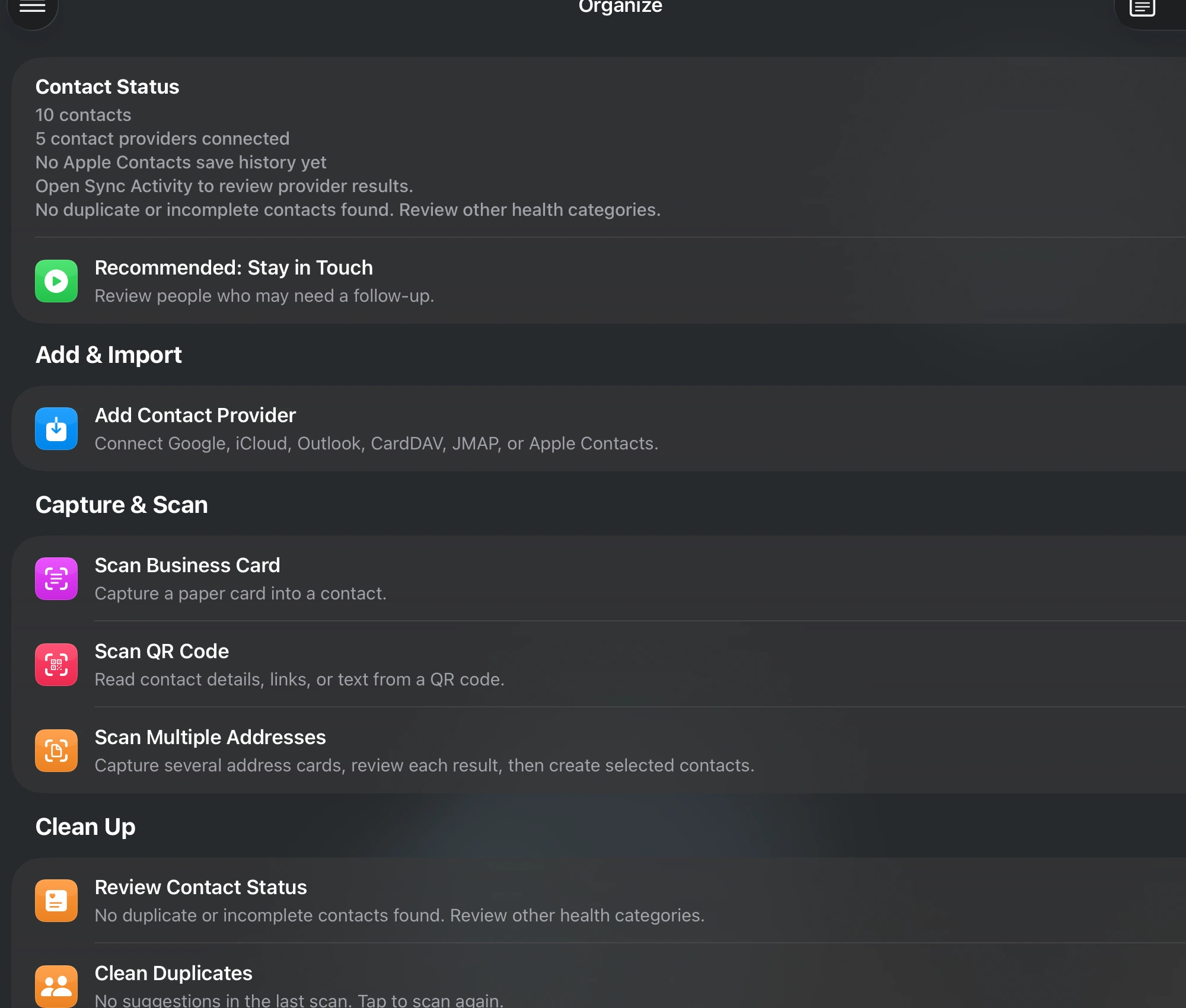
Contact organization tools in the iPad app
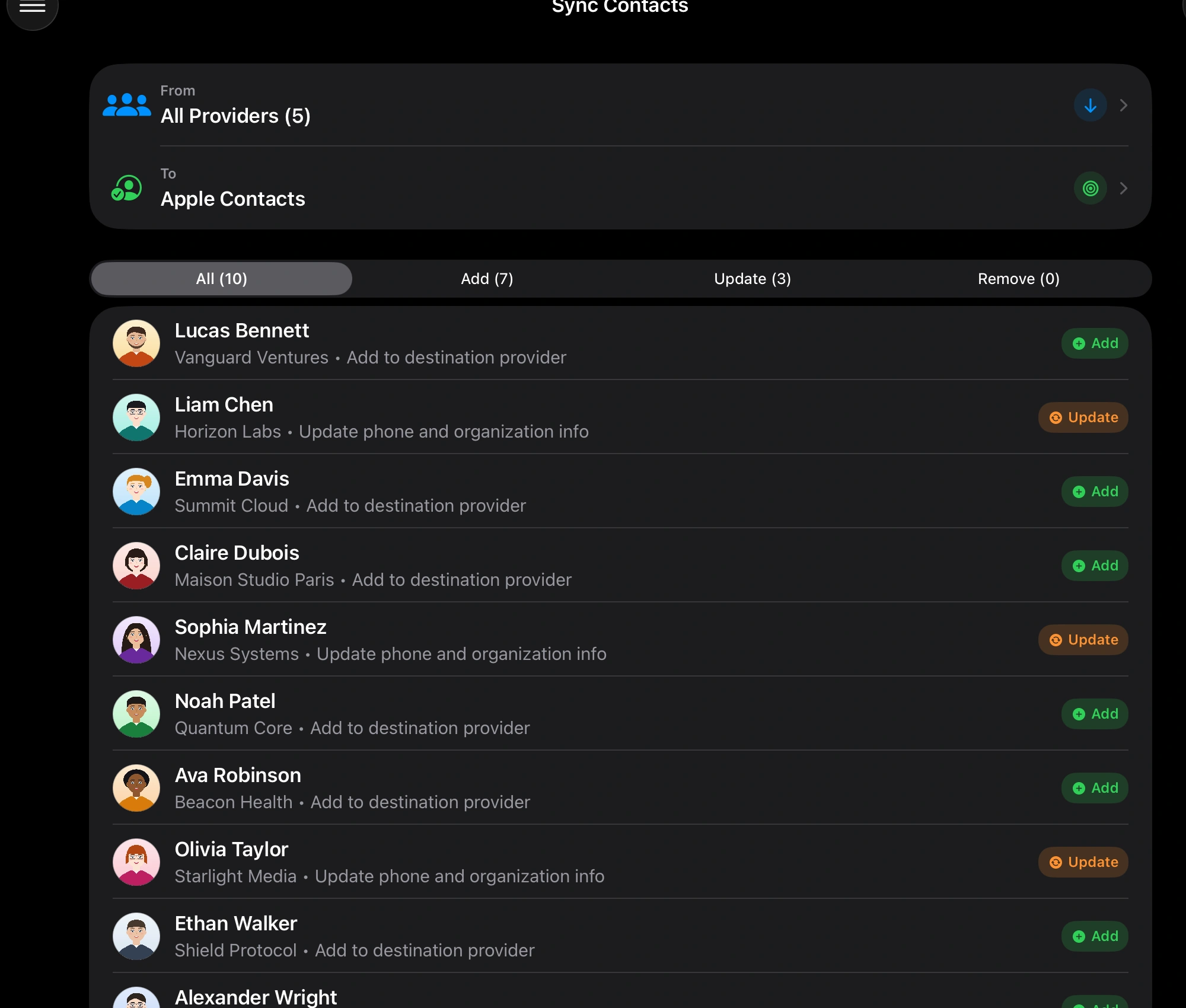
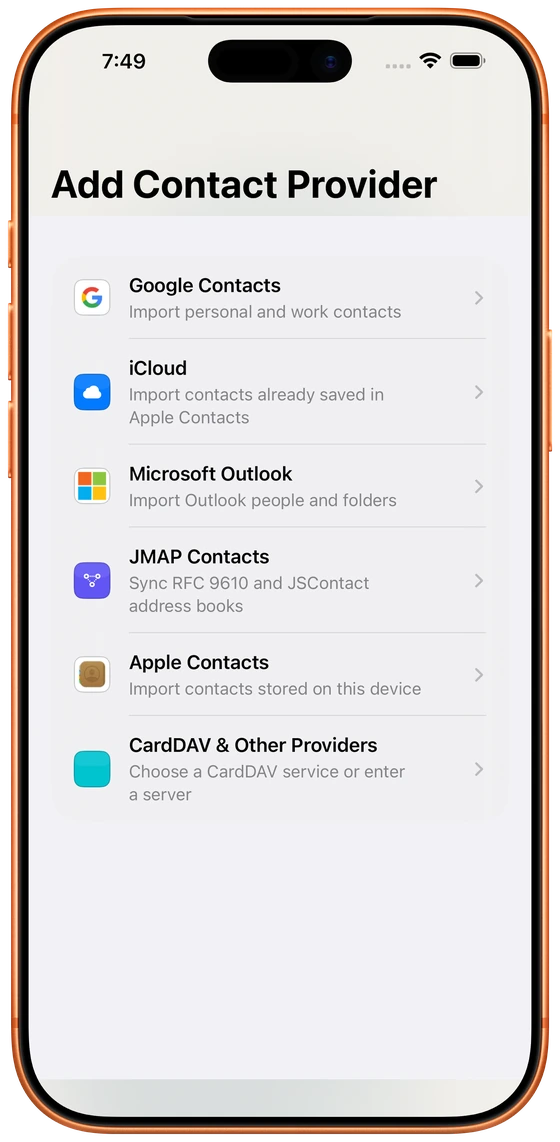
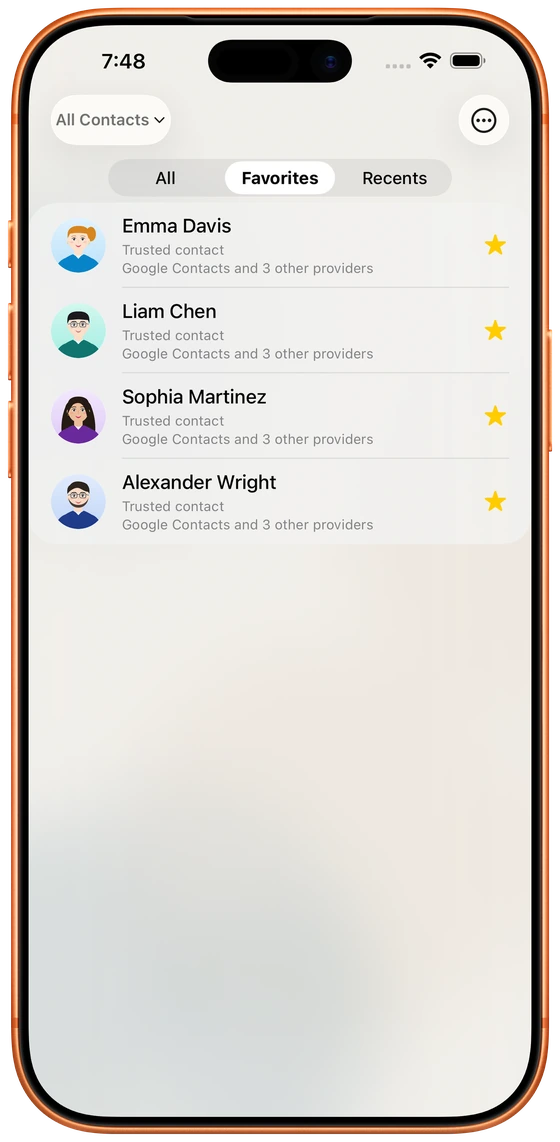
Contact synchronization review in the iPhone app
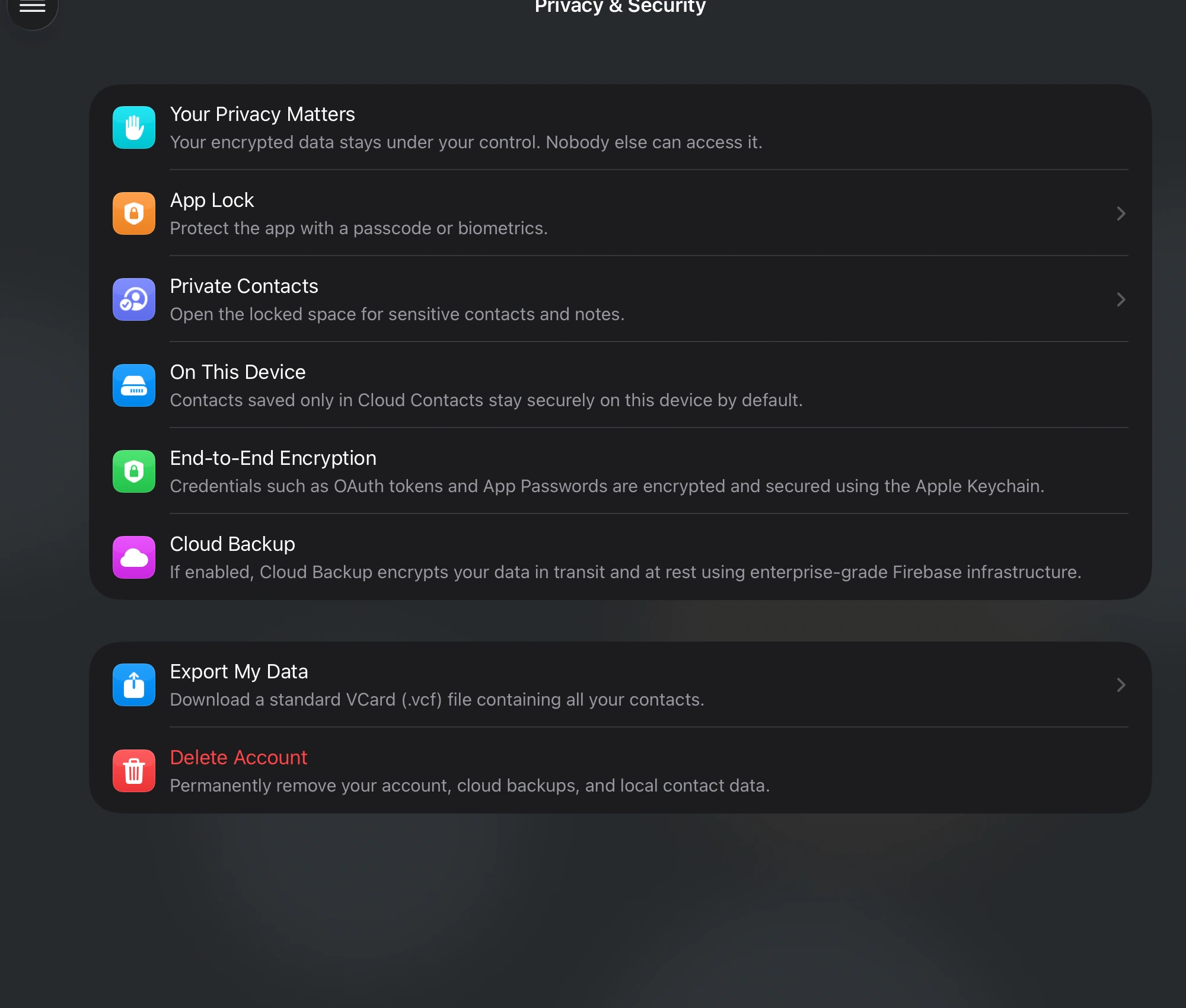
Authentic Cloud Contacts screens showing a unified contact library on Mac, organization tools on iPad, and synchronization review on iPhone.

Works with the address books you already use

Apple Contacts icon
Apple Contacts
iCloud icon
iCloud
Google Contacts icon
Google Contacts
Microsoft Outlook icon
Microsoft Outlook
Exchange icon
Exchange
CardDAV
JMAP

Understand. Fix. Sync.

Cloud Contacts makes every step visible, so you know what will change and where the result will be saved.

1

Know where every contact lives

See which accounts own each contact—even when the same person appears across multiple providers.

2

Fix problems safely

Review duplicates, missing details, repeated properties, and records that may need attention. You decide what to keep before a repair or merge.

3

Sync on your terms

Apply approved changes locally or write them back when the provider supports it. Background work continues without blocking the app.

Interactive product tour

See the Workflow

Explore the core experience on phone, tablet, and desktop. Select a screenshot to inspect it more closely.

Source Ownership

Know Where Every Contact Lives.

Bring together iCloud, Google, Outlook, Fastmail, Nextcloud, Yahoo, GMX, and compatible CardDAV or JMAP servers. Cloud Contacts helps you see which source owns each record before you clean, move, or sync it.

  • Connect iCloud, Google, Outlook, CardDAV, and JMAP sources
  • Guest Mode for local cleanup
  • Popular providers preconfigured
Multi-Account Cloud Providers Hub
Contact Health

Clean Up Before Sync Spreads the Mess.

Use focused checks to find duplicates, repair missing fields, review birthdays, and organize large contact sets before risky changes reach every account.

Important Dates

Review birthdays and anniversaries, then sync the ones that matter into your iOS Calendar.

Missing Details

Instantly isolate contacts missing names, emails, or phones so cleanup starts with the riskiest records.

Siri Search

Ask Siri to create contacts or find records that need cleanup, including filtered searches.

Duplicate Repair

Detect and merge duplicate people across accounts while preserving names, phones, emails, and notes.

Smart Organize & Duplicates Cleanup
Contact QR Cards

Hand Off a Contact Without Re-typing It.

Choose a card, QR code, contact file, or signed expiring link. Select the details to include without changing your original contact.

  1. 1

    Open Share Contact

    Use Share or the QR button from contact details or the contact quick card.

  2. 2

    Choose the format and details

    Pick a link, QR code, card, or file, then check each detail you want to include.

  3. 3

    Share with intention

    QR codes and cards use an expiring link by default. Turn it off for a direct copy; contact files do not expire.

A copy, not account access

Signed links are not encrypted, and saved copies can be kept. Sharing does not grant provider access or start ongoing synchronization.

Read the contact sharing guide

Messages contact card & scannable QR

Cloud Contacts Digital Business Card in Messages
vCard 3.0 compatibleInstant camera scan

Your privacy matters

Your contacts remain under your control.

Cloud Contacts separates normal provider synchronization from optional cloud backup, so you can understand where your information goes.

Direct provider synchronization

Normal synchronization happens directly between your device and the provider you connected. Cloud Contacts does not operate an intermediate contact-sync service.

Sync diff verification

Optional cloud backup

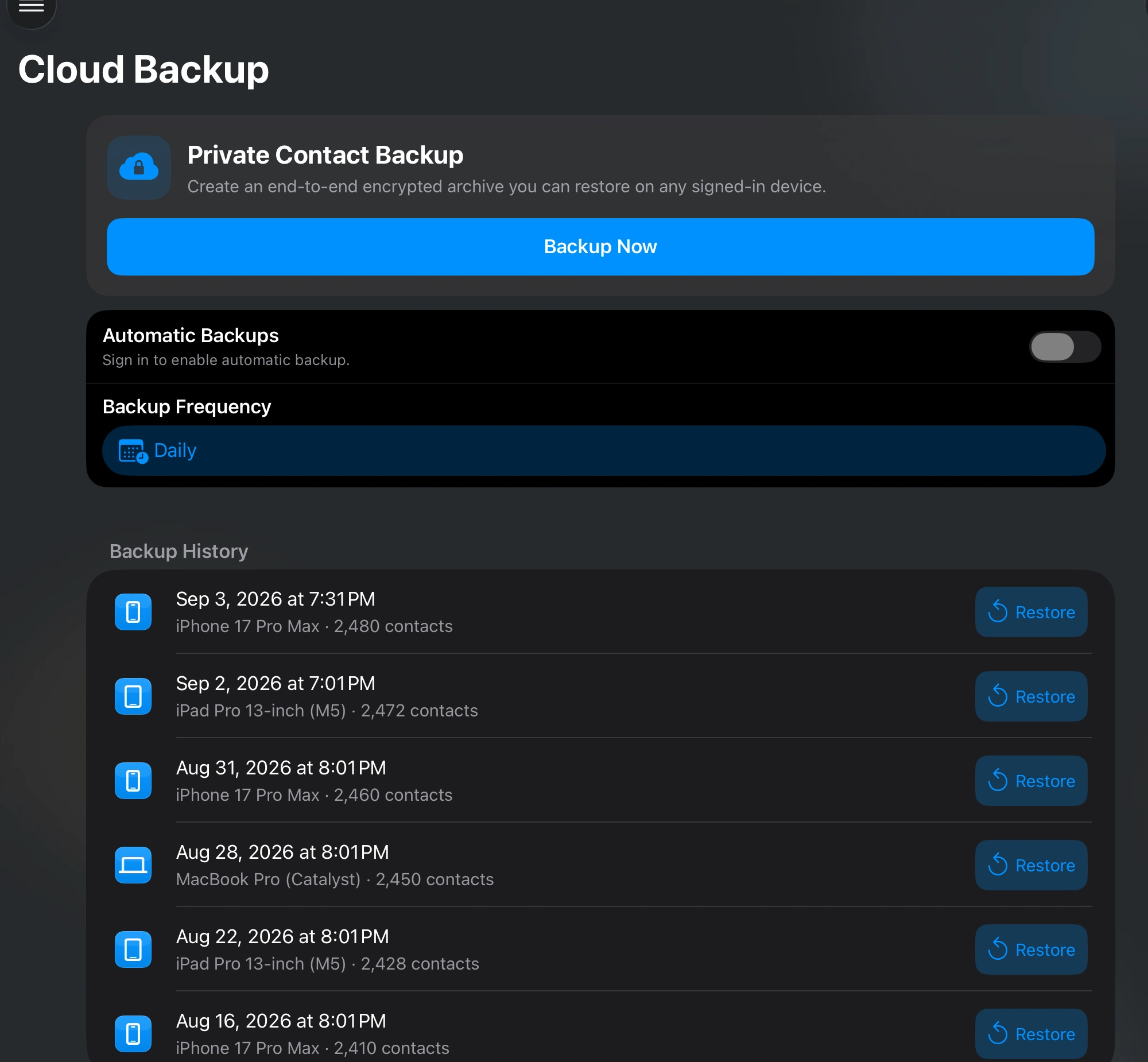
Backup snapshots are encrypted before storage and are used for recovery only when you enable the Cloud Backup feature.

Security & Biometric Vault

Large libraries stay manageable.

Cloud Contacts processes large address books in bounded batches instead of keeping every possible comparison in memory. Cleanup, backup, and synchronization can continue in the background while progress remains visible.

1

Efficient duplicate grouping

Indexed fingerprints and graph-based grouping avoid comparing every contact with every other contact.

2

Bounded-memory batches

Large collections are separated into manageable batches so temporary objects can be released throughout the operation.

3

Responsive background work

Long-running cleanup, backup, and synchronization operations run away from the main interface and report recoverable progress.

Choose your level of control

Start simply. Upgrade when you need more.

Each option explains what it unlocks. Prices and subscription terms are shown in your local App Store before purchase.

Free

Review and clean one contact source with essential tools.

No purchase required

  • Connect one cloud account
  • Review contact health and duplicates
  • Try selected cleanup and system-contact actions
View local price in the App Store
Recommended

Multi-Account Lifetime

Bring every account into one view with a single, non-recurring purchase.

One-time purchase

  • Connect unlimited contact accounts
  • Remove advertising
  • Unlock advanced organization tools
  • Use expanded local and system-contact actions
View local price in the App Store

Pro Sync

Keep supported providers updated with advanced synchronization and backup controls.

Recurring subscription

  • Everything in Multi-Account Lifetime
  • Write approved changes back to supported providers
  • Manage supported provider groups and memberships
  • Use automated cloud backup and background synchronization
View local price in the App Store

Provider capabilities vary. The App Store confirms the local price, billing period, trial availability, and renewal terms before you purchase.

Built around real contact problems.

These examples describe product workflows, not customer endorsements or guaranteed outcomes.

Bring scattered accounts together

Review a person across Apple Contacts, Google Contacts, Outlook, and CardDAV while preserving the source of every record.

Prepare a large directory for cleanup

Find likely duplicates and incomplete records, inspect the proposed result, and process approved changes in manageable batches.

Move contacts without creating another mess

Connect Google Contacts on iPhone, review conflicts first, and choose which records should be added to Apple Contacts.

Frequently Asked Questions

Clear answers about data flow, provider capabilities, migration, and pricing.

Is my contact data uploaded to your servers?

Normal provider synchronization is direct between your device and the provider you connect. If you enable optional Cloud Backup, the app creates an encrypted snapshot for recovery. You can review and delete stored backups from the app.

Can I manage provider groups and labels?

Cloud Contacts can create, rename, delete, or change group membership when the connected provider and protocol support those operations. Capabilities can differ between Google Contacts, Outlook, Exchange, and CardDAV servers.

How does the Android to iPhone migration work?

Connect the Google account used on your Android phone, review duplicates and missing details, and then choose which records should remain in Google Contacts or be added to Apple Contacts.

Do I need to pay for a subscription?

No. The free option supports essential review tools for one account. Multi-Account Lifetime is a one-time purchase, while Pro Sync is a recurring subscription for supported-provider write-back, group management, automated backup, and advanced background synchronization.

Every guide and free viewer, in one place.

Browse setup instructions, focused contact viewers, support, release notes, and beta access without hunting through the site.